The Android TV Ecosystem
Understanding the hardware, software, and limitless customization of Google's premier living room platform.
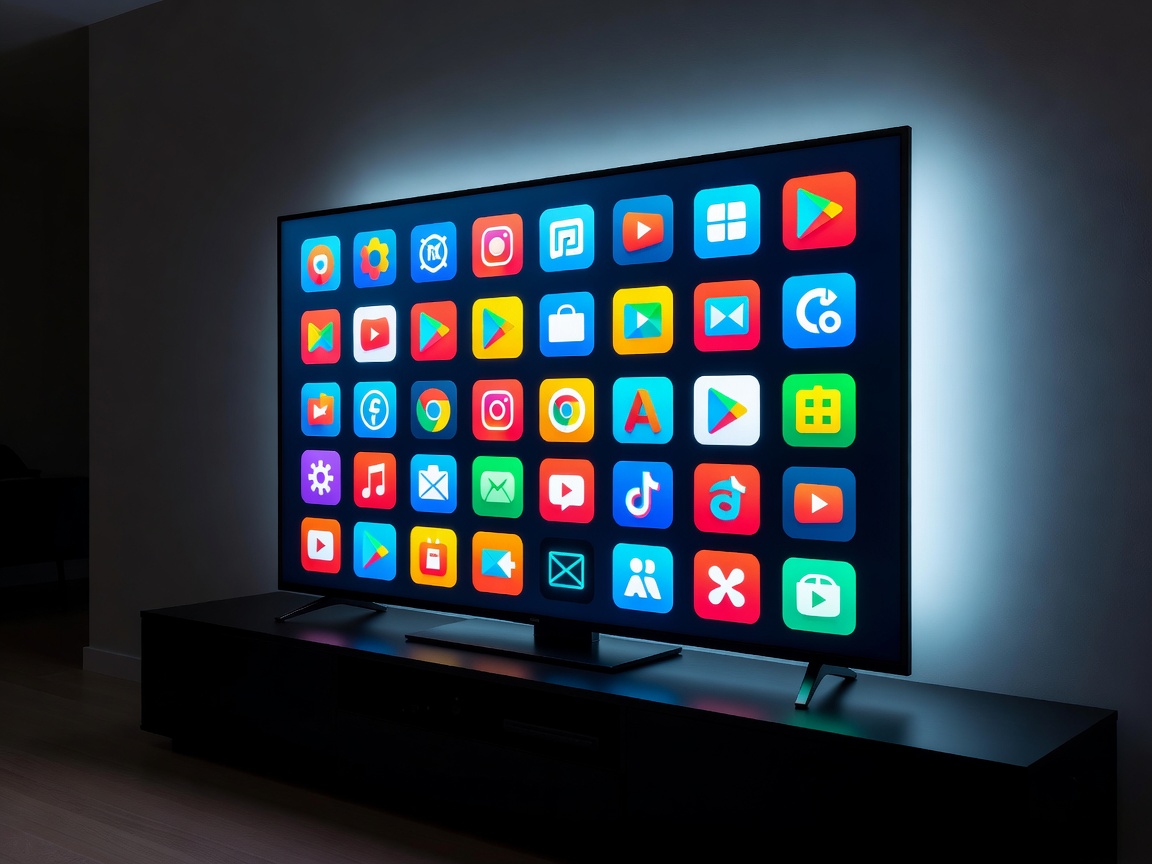
The Open Platform Advantage
Unlike tightly controlled proprietary systems, the Android TV platform represents an open sandbox adapted for the ten-foot viewing experience. By utilizing a modified version of the standard Android architecture, Google has created an ecosystem where developers can easily port applications from mobile environments directly to the television screen.
This structural approach means that the Google Play Store on a certified TV box contains thousands of applications, ranging from mainstream streaming titans to niche utility tools, network diagnostic apps, and media center front-ends like Kodi and Plex. For the power user, Android TV removes the artificial barriers often imposed by television manufacturers.
Hardware Diversity: From Budget to Flagship
The beauty of Android TV lies in its hardware diversity. Because Google licenses the operating system to third-party manufacturers, consumers have access to a vast spectrum of devices tailored to specific needs and budgets.
At the entry level, compact dongles and small footprint boxes utilize highly efficient SoCs (System on a Chip) to deliver standard 1080p or compressed 4K streaming. While these devices are cost-effective, they often sacrifice raw processing power, limiting their utility for complex local media decoding or gaming.
Moving up the tier, premium Android TV boxes—most notably devices utilizing Nvidia's Tegra processor architecture—act as true multimedia juggernauts. These flagship devices feature gigabit ethernet, USB 3.0 ports for external storage expansion, AI-enhanced upscaling, and robust thermal management systems that prevent throttling during intense operations.
Sideloading and Customization
One of the definitive reasons tech enthusiasts gravitate toward Android TV boxes is the ability to sideload applications. Sideloading is the practice of installing application packages (APKs) directly onto the device, bypassing the official Google Play Store.
While the official store is heavily curated to ensure all apps meet strict remote-control compatibility guidelines, sideloading allows users to install mobile apps, beta software, and custom media players. Using simple file manager applications, users can transfer APKs via USB drive or network share, granting unprecedented control over the software environment.
Google TV vs. Android TV Interfaces
It is important to distinguish between the underlying operating system and the user interface. Recent years have seen a transition from the classic Android TV interface—which organized content into channel rows—to the newer "Google TV" interface.
Google TV is essentially a sophisticated launcher running on top of the Android TV OS. It focuses heavily on content aggregation, pulling recommendations from multiple subscribed services into a single, unified home screen. While highly visual and intuitive, some users prefer the utilitarian approach of the older interface, prompting many to utilize third-party launchers (like FLauncher or Projectivy Launcher) to bypass sponsored content and regain total control over their home screen layout.
Conclusion
The Android TV ecosystem remains the definitive choice for users who demand flexibility. Whether you are seeking an affordable device to revitalize an old screen or a premium powerhouse to serve as the hub of a complex home theater network, there is a piece of hardware designed to meet that exact specification.