Streaming Sticks vs. Boxes: Form Factor Analysis
Understanding the vital differences in thermal design, I/O ports, and longevity when choosing your device format.
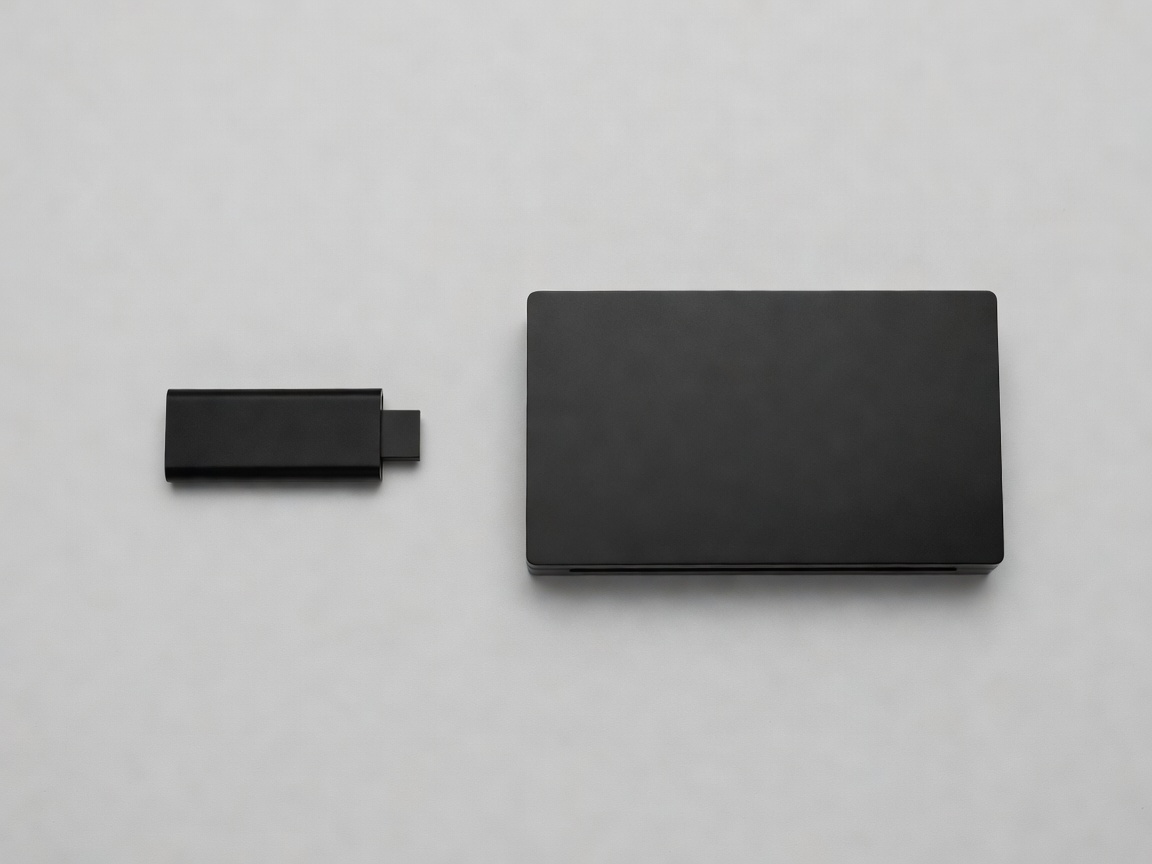
The Allure of the Dongle
Streaming sticks (or HDMI dongles) have revolutionized the home entertainment market by driving hardware costs down to impulse-purchase territory. Their primary advantage is absolute invisibility. Placed directly into the HDMI port on the back of a television, these devices draw power from a simple USB cable, hiding entirely out of sight and maintaining a minimalist living room aesthetic.
For secondary televisions—such as those in guest bedrooms, kitchens, or home gyms—the streaming stick is functionally perfect. They are highly portable, allowing users to pack their customized streaming environment into a pocket when traveling, bypassing clunky hotel smart TV interfaces entirely.
The Physics of Thermal Throttling
The compact footprint of a streaming stick introduces unavoidable laws of physics. Processing 4K high-dynamic-range video requires significant computational effort, which inevitably generates heat. Without adequate surface area, heatsinks, or active cooling fans, a small plastic dongle wedged behind a hot television panel can rapidly reach thermal limits.
When a processor overheats, it protects itself by reducing its clock speed—a process known as thermal throttling. For the user, this manifests as interface lag, stuttering video playback, and occasionally complete application crashes. While modern chip efficiency has improved this issue dramatically, prolonged sessions of demanding tasks (like cloud gaming) can still stress these diminutive devices.
Connectivity and Expansion
The definitive reason to upgrade to a dedicated set-top box format is connectivity. A traditional TV box offers physical real estate for Input/Output (I/O) ports that a stick simply cannot accommodate.
- Ethernet Ports: Wi-Fi is susceptible to interference, distance degradation, and network congestion. A hardwired gigabit ethernet port ensures maximum bandwidth stability, which is vital when streaming untouched 4K Blu-ray rips over a local network.
- USB Expansion: Dedicated boxes often feature multiple USB 3.0 ports. This allows users to attach external solid-state drives holding terabytes of localized media, connect third-party wireless controller dongles, or add specialized remote control receivers.
- Optical Audio (TOSLINK): While HDMI ARC/eARC is the modern standard, many users still rely on legacy soundbars and receivers that require dedicated optical audio outputs, a feature strictly found on larger box formats.
Longevity and Value
While streaming sticks are incredibly cheap upfront, their limited RAM (often 1GB or 1.5GB) and minimal storage (frequently 8GB, with only half available to the user) mean they age poorly as operating systems and applications grow heavier. A robust set-top box, armed with superior cooling, a faster processor, and adequate memory, can comfortably serve a primary home theater for over five to seven years without requiring a replacement.
Conclusion
The decision rests on the primary use case. Choose a streaming stick for travel, budget constraints, or secondary screens. Invest in a dedicated set-top box for your primary viewing area, intensive gaming, large local media libraries, and environments where a hardwired ethernet connection is a necessity.